



Mechanical Sciences
4-H Computer Science Project
The Colorado 4-H Computer Science Project inspires youth to explore the world of technology, coding, and problem-solving through hands-on learning.
Youth learn foundational skills such as programming, algorithm design, robotics, and computational thinking. They also explore how technology is applied in real-world settings, including web and app development, cybersecurity, artificial intelligence, and data analysis. Advanced participants can design their own technology projects, develop software, or build interactive systems while learning teamwork, project planning, and creative problem-solving.
The program encourages innovation, critical thinking, and lifelong skills that prepare youth for careers in STEM fields.

Project Overview
Discovering Computer Science & Programming Level 1, Fundamentals
Designed for members 8-18 years old.
Inspiring youth to:
- Interact with a series of tutorials and challenges within the Scratch environment
- Introduce the five fundamental principles of computer science concepts: sequence, iteration, conditionals, variables, and modularization
- Learn beginner programming skills using Scratch
- If you exhibit a program, include 8 different commands including looping and getting input from the keyboard and mouse.
Discovering Computer Science & Programming Level 2, Explorations
Designed for members 11-18 years old.
Inspiring youth to:
- Gain knowledge on application design, operation, development, writing code and much more
- Learn more about generalizations and modularity
- Introduce clones and lists in Scratch
- Exhibit a modified program using Scratch by comparing the programs or creating an animated storybook or a video game
Discovering Computer Science & Programming Level 3, Explorations
Designed for members 11-18 years old.
Inspiring youth to:
- Gain knowledge on application design, operation, development, writing code and much more
- Learn about recursive programing
- Use recursion to help solve problems
- Learn how to draw intricate fractals through recursive programming
- Exhibit an original program using a higher-level programing language such as Phython, Javascript, C++, etc.
Computer Science & Coding
Designed for members 11-18 years old.
Inspiring youth to:
- Build upon coding skills learned in earlier units through using Scratch or Python
- Advance web development skills
- Explore careers in Computer Science
Official Project Materials
Materials & Curriculum
Discovering Computer Science through Scratch Level 1 Digital Download (Shop 4-H)
Discovering Computer Science through Scratch Level 1 Student Notebook (Shop 4-H)
Discovering Computer Science through Scratch Level 1 Facilitator Guide Digital Download (Shop 4-H)
Discovering Computer Science through Scratch Level 2 Digital Download (Shop 4-H)
Discovering Computer Science through Scratch Level 2 Student Notebook (Shop 4-H)
Discovering Computer Science through Scratch Level 3 Digital Download (Shop 4-H)
Member Resources

Find Your County
Counties play a crucial role in 4-H by providing a platform for young people to learn and grow.
Counties facilitate the delivery of 4-H programs that are of particular interest in their area and qualified, compassionate adult leaders run local clubs to support our youth 4-H members.
To find out if this project is supported locally, contact your local extension office.
Upcoming Events
Currently there are no events scheduled at this time associated to this page. Please check back for the latest events as they are scheduled.
Project Tips
- Members may stay in a unit for more than one year. The exhibit must be different each year.
- Youth are allowed to enter a display board, program, or stand-alone exhibit, but not all.
- Display items must be self-contained and capable of being judged “as is”. Example: sample printouts of code developed, or multimedia projects created or Web pages/sites developed.
- Enter your project in the county fair.
- Share information learned in talks and displays.

Judging Criteria
- Completeness of project and e-record
- E-record includes demonstrations, talks, story, and pictures, with at least one action shot of you doing something with your project
- Neatness and legibility
- How you completed your activities and quality of exhibit
Careers

Information System
Manager/Director
Oversee the information technology department of organizations
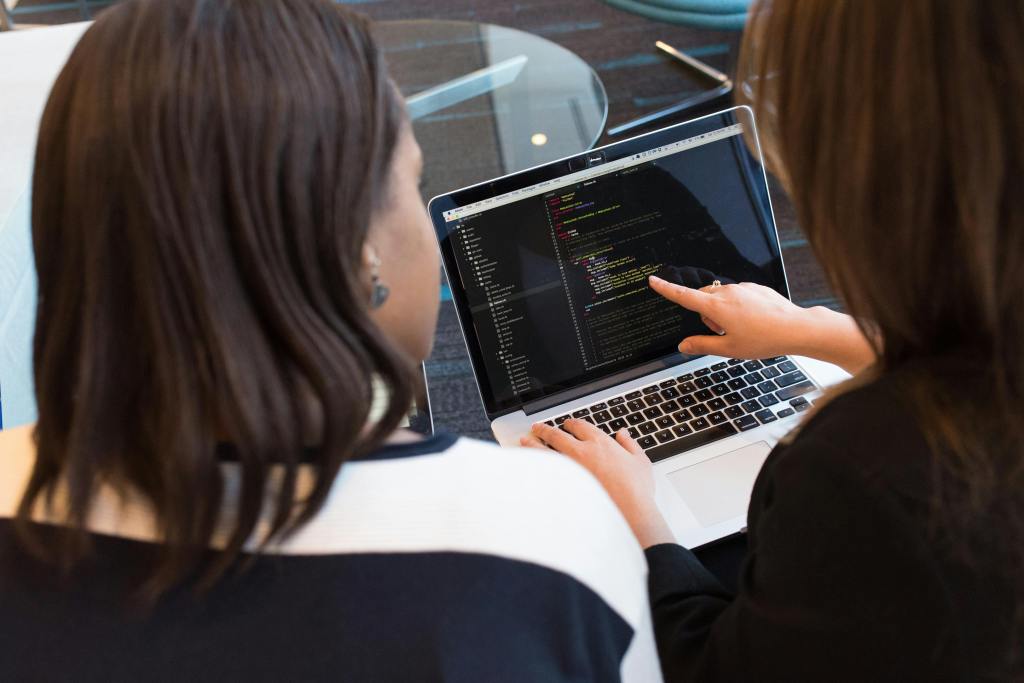
Software Development
Develop software for a wide variety of industries

Network Administrator
Daily maintenance of the network and ensuring proper communication with the database

Computer
Programming/ Coding
Write code for different programs that allows software to function properly

Web
Developer
Create content for websites as well as create websites to fit the different needs of clients
Research
Conduct tests or experiments to see how to improve existing technologies as well as opportunities for new software to be created

Data Analysis
Translate large amounts of data into usable reports for the organization to make management type decisions

Information Security
Plan and carryout security measures to protect an organization’s data